The Direct Answer
Turning still photos into video requires an AI video model that respects facial geometry, natural motion physics, and user privacy. With TinyMotion, you upload a high-resolution portrait, select a motion template or write a motion prompt, review the credit cost upfront, and receive a private 5-to-10 second MP4 video ready to download or share.
Why Animate Family Photos?
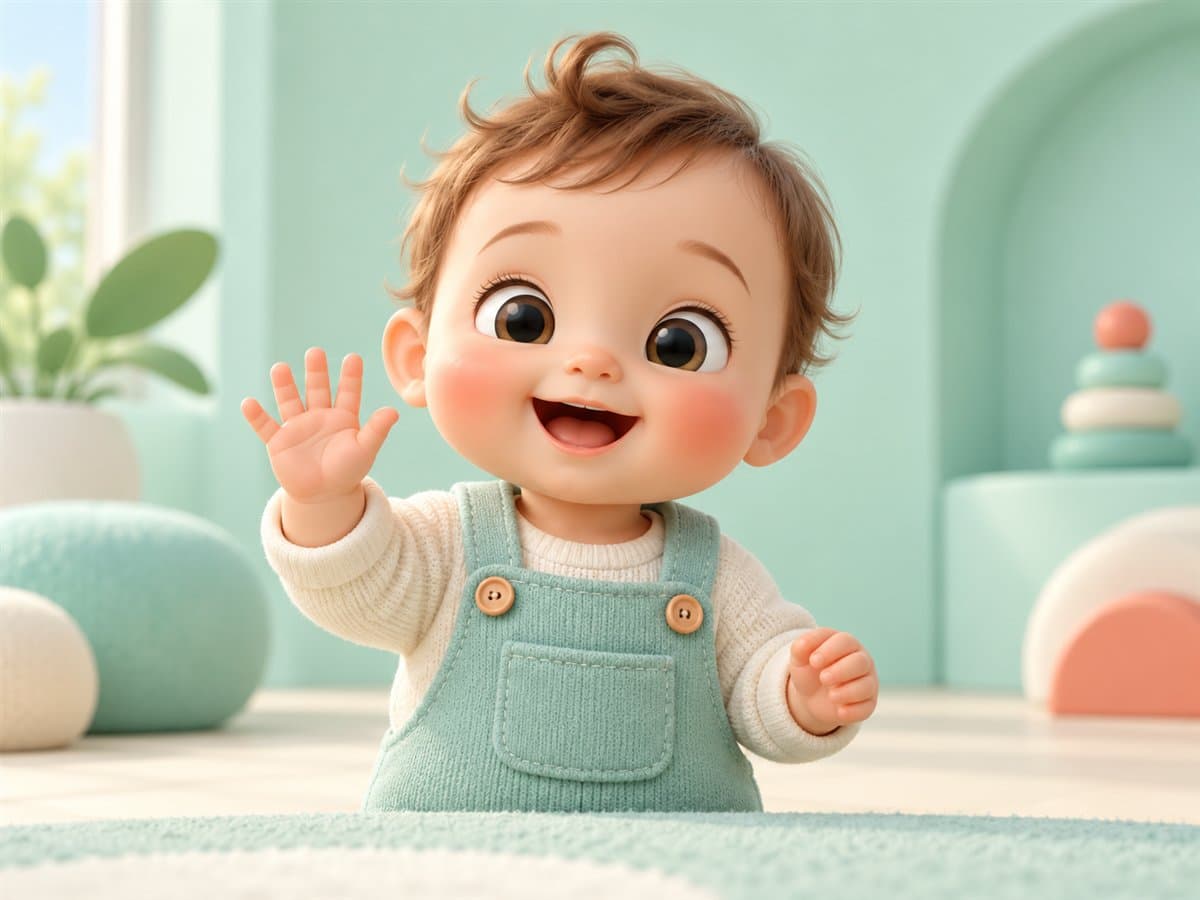
Photographs capture a single slice of time, but movement brings emotion to life. Whether it is making a grandparent smile in an old archival photo, animating a baby's gentle wave, or bringing a family portrait to life for an anniversary, photo-to-video AI offers a heartwarming storytelling medium.
Essential Steps for Best Results
- Choose a Sharp, Well-Lit Photo: AI models perform best when eyes, hands, and facial outlines are clearly visible without heavy blur.
- Pick Natural Motion References: Simple movements like a gentle nod, smile, or wave look far more organic than complex acrobatics.
- Review the Credit Cost: Confirm the model and duration before starting generation so there are no surprises.
Ethical Creation and Child Privacy
Under India's Digital Personal Data Protection Act (DPDP Act), personal media must be handled with explicit parental consent. TinyMotion ensures all uploads remain strictly private to your account.
Frequently Asked Questions
How long does it take to animate a photo?
Most 5-second video generations take between 60 to 90 seconds depending on queue length and chosen model.
Can I download the generated video?
Yes, completed videos can be downloaded in MP4 format from your My Videos dashboard.
CREATIVE INSPIRATION
Enjoyed this tutorial?
Get our latest AI video creation templates, prompts, and festive guides delivered once a week.